Roo Code Docs
Roo Code is an open-source AI coding agent for VS Code designed to take full advantage of advanced large-language models and change how you create software at a fundamental level. It's powerful, customizable, and model-agnostic, with actual file system access, terminal control, and multi-step workflows.
Roo's approach is to trade tokens for quality. If you want the best and most effective AI coding experience available, this is it.
The Roo Code VS Code extension works locally in your IDE and gives you full control over your coding experience. It's great for deep or highly iterative development work, and it fits into your existing workflow.
What can Roo Code do for you
- Generate Code from natural language descriptions and specs
- Refactor & debug existing code
- Write & update documentation
- Answer questions about your codebase
- Automate repetitive tasks
- Utilize MCP Servers
A mindset for success
The most successful Roo users tend to embrace the following ideas:
- Leverage model agnosticism: Roo isn't an LLM model, it needs an LLM provider to work. But it's compatible with dozens of providers and hundreds of models, so you're free to experiment, optimize and switch around, by design. No lock-ins in a world where "the best model" changes every other week.
- Don't skimp on tokens: expensive state-of-the-art models with lots of tokens will almost always beat cheap models using few tokens. Pay attention to your budget, but embrace the fact that tokens are cheaper than developer time.
- Trust roles: The extension's customizable Modes (Architect, Code, etc) keep the models on track and focused on the task at hand, without stepping outside of their boundaries. Lean on them depending on the task you're working on.
- Be ambitious: Roo works best the more you trust it. Out-of-the-box, the extension will ask for your permission to do everything, but as you become more comfortable and enable Auto-Approve, you'll see it work for long periods on its own without getting stuck or making bad decisions. Once ready, throw large, complex projects at the Orchestrator, who will coordinate tasks across Modes.
Getting Started
Tutorial & Feature Videos

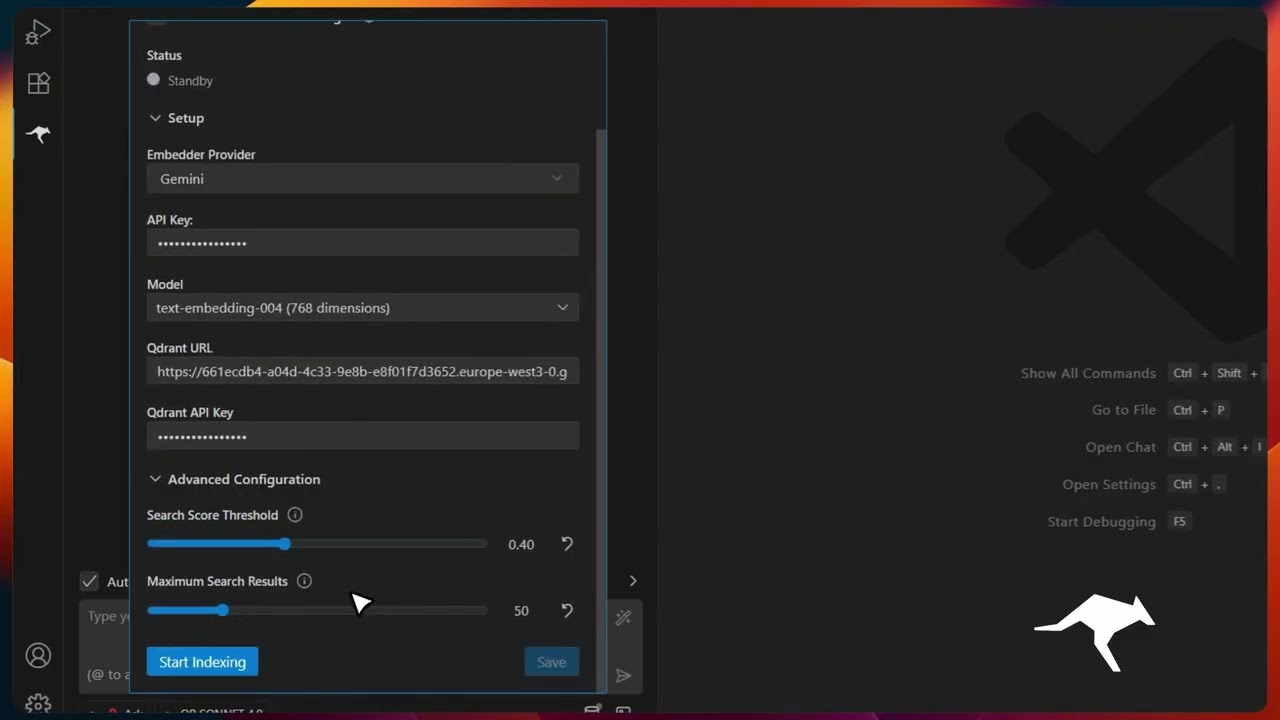
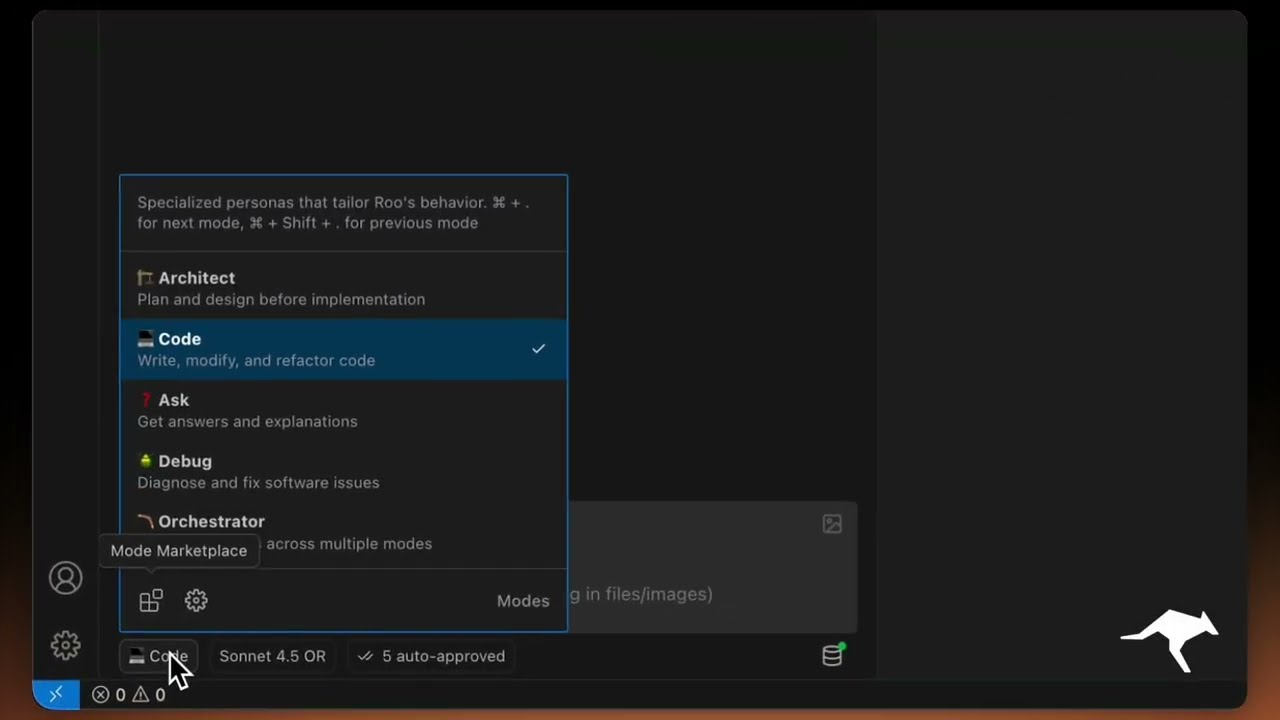
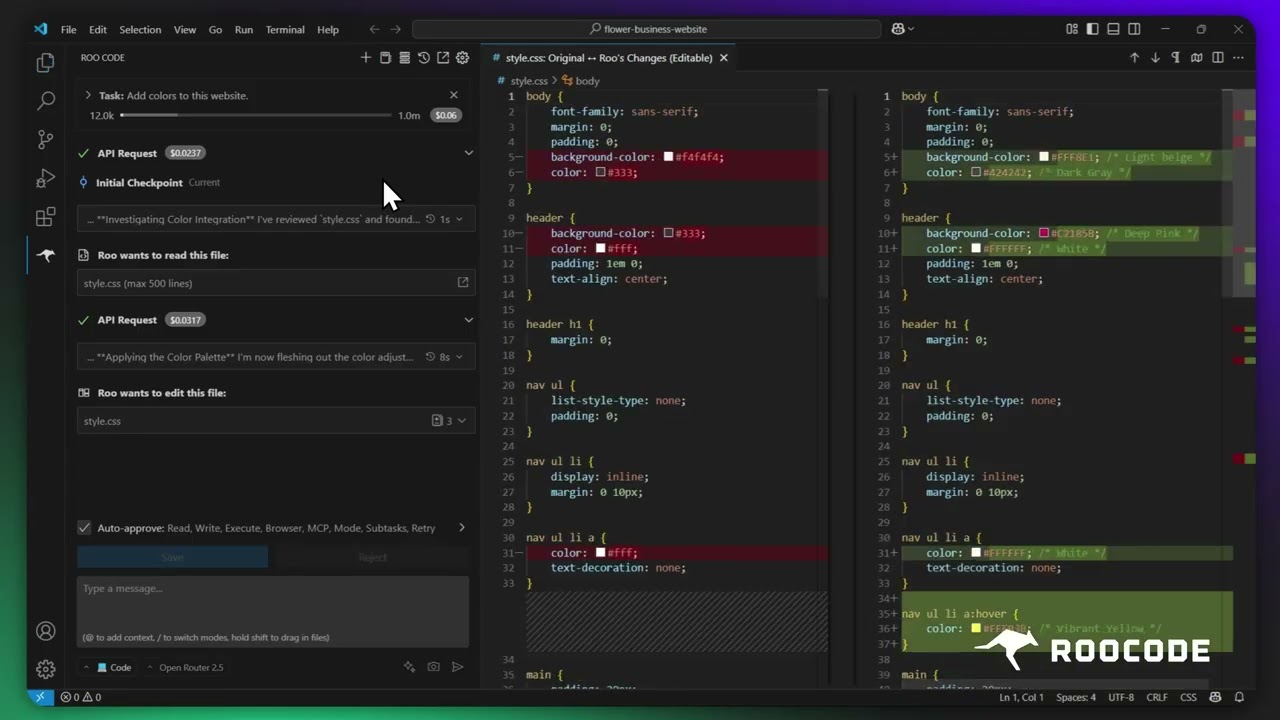

More quick tutorial and feature videos...
Additional Resources
- Discord Server: Join the community for real-time help and discussion.
- Reddit Community: Share your experiences and see what others are building.
- YouTube Channel: Watch tutorials and see features in action.
- GitHub Issues: Report bugs and track development.
- Feature Requests: Have an idea? Share it with the team.